

MTBrain AI creative suiteIdea in.
Film out.
Make a whole film
from one idea.
Everything you need to go from a blank page to a finished video, in one place.

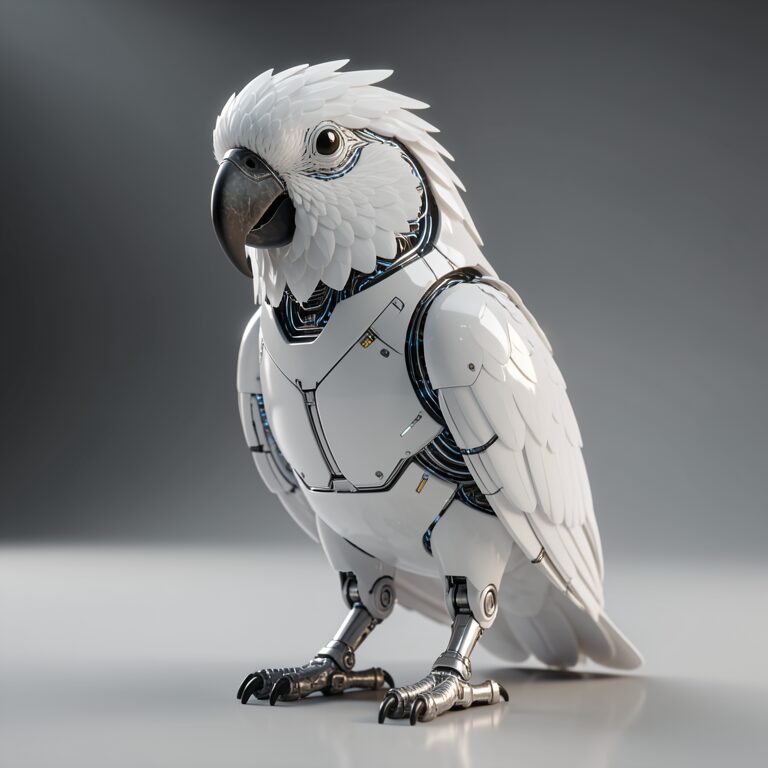


Brainstorm the story.
Not sure where to start? Chat it through with Brain. Ask for ideas, a script for every scene or a better image prompt.
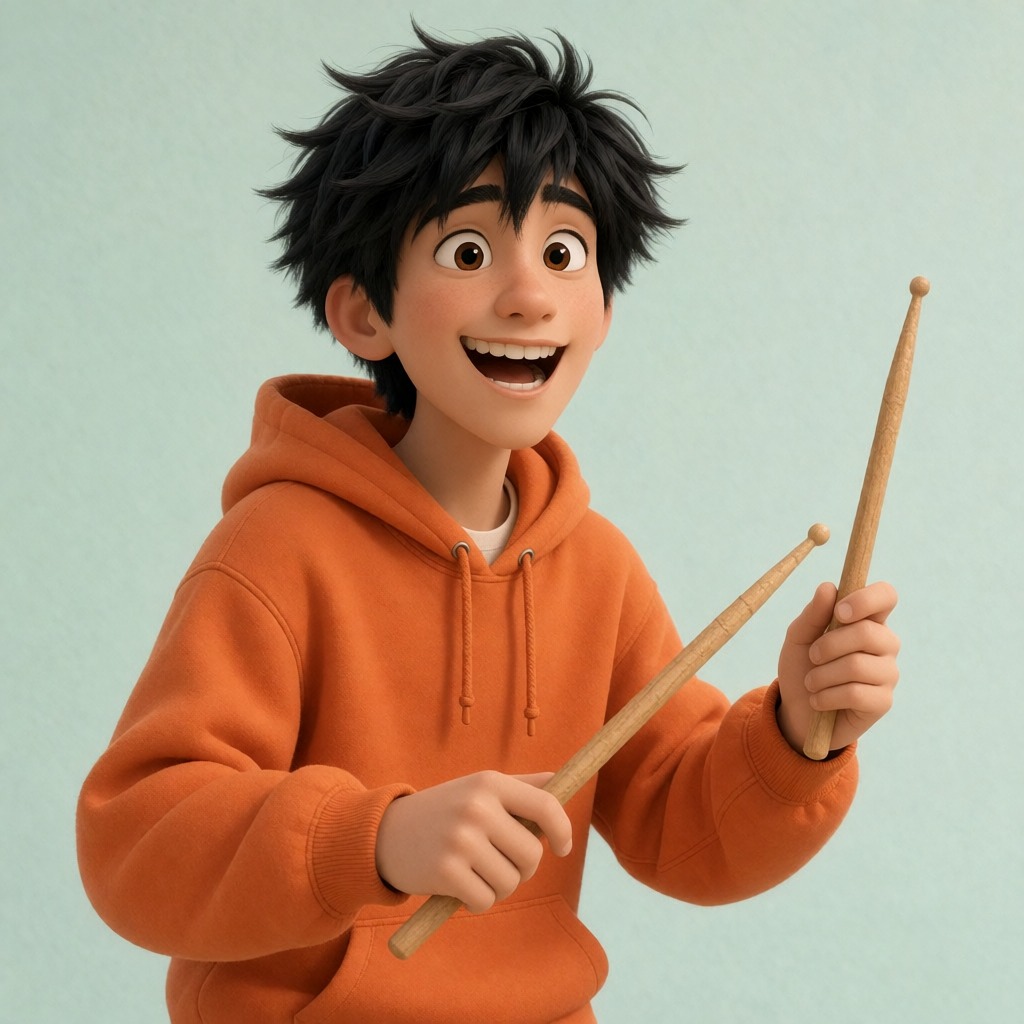
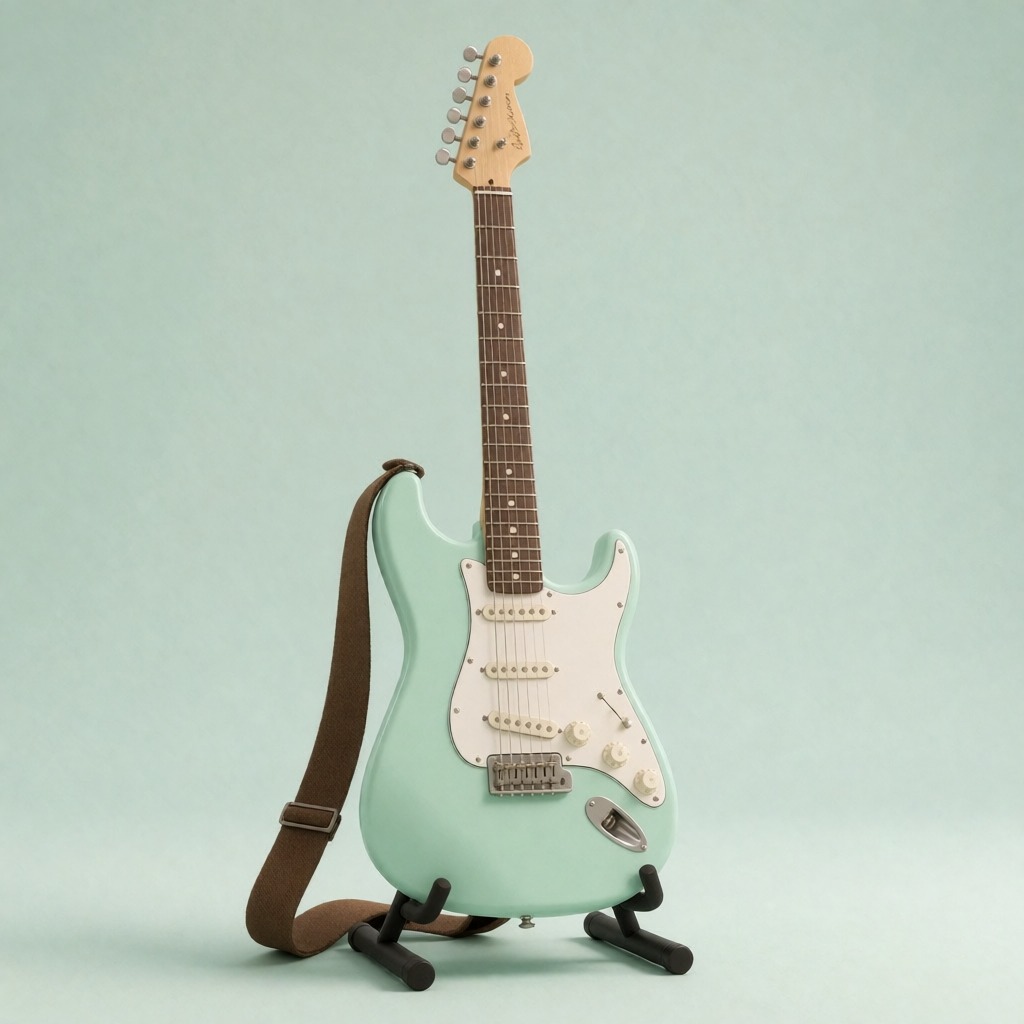
Develop the look of your world.
Picture your characters, their outfits, the props and the rooms before you make a single scene.


your content.
Edit out what you don’t want.
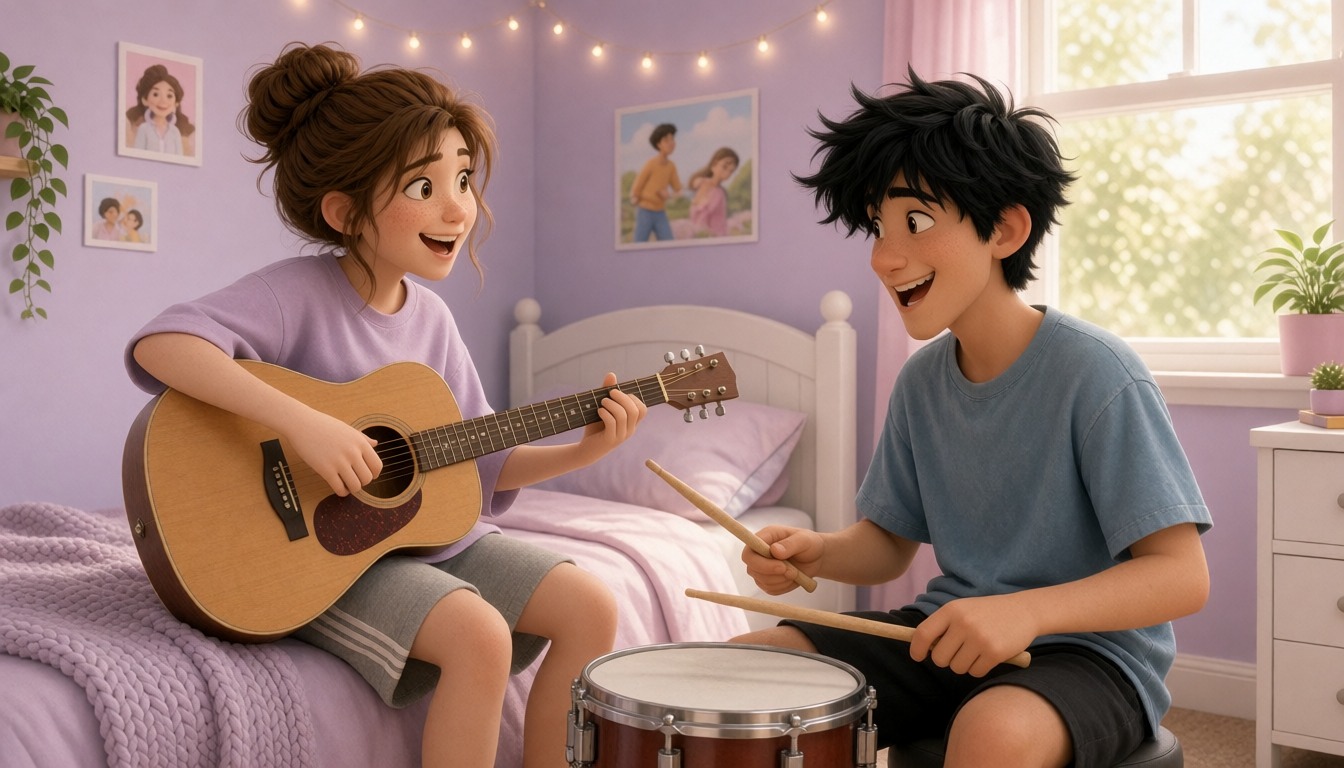
A poster in the wrong place? A shirt in the wrong colour? Type what to change, and the rest of the picture stays exactly the same.
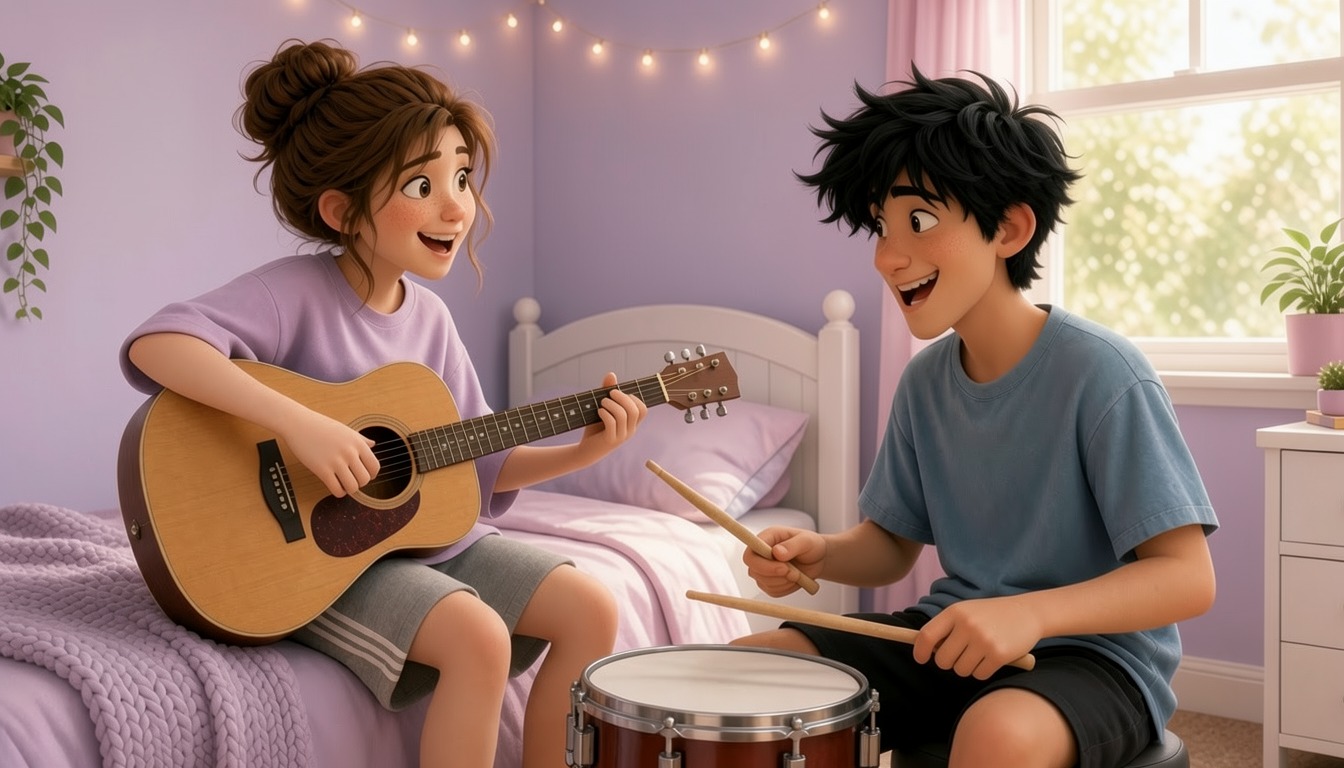
Plan your story,
shot by shot.
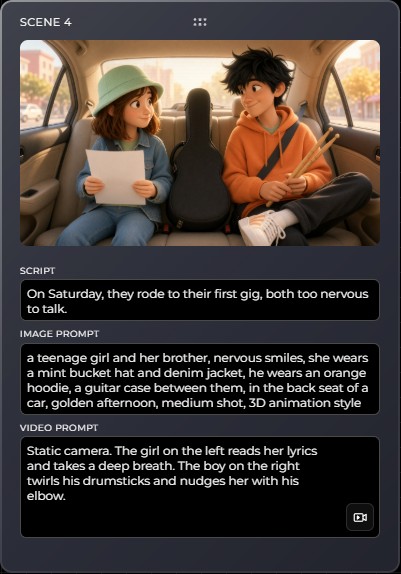
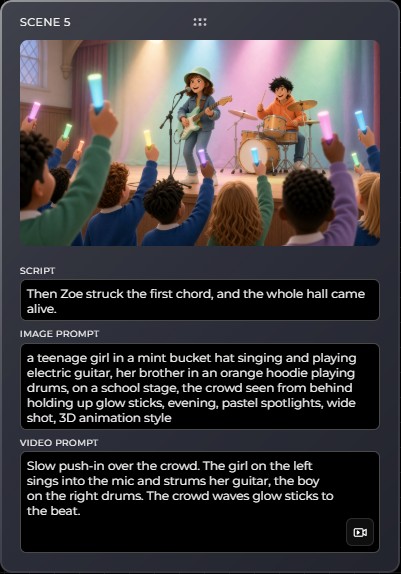
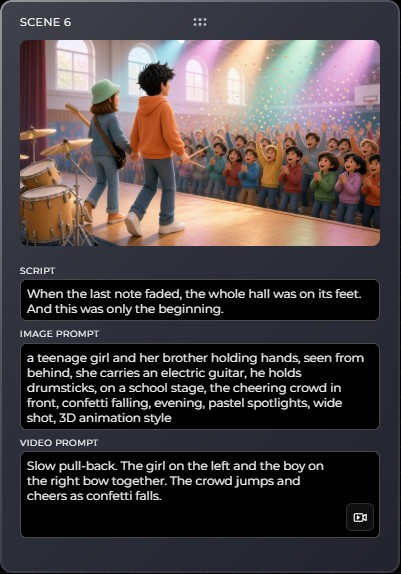
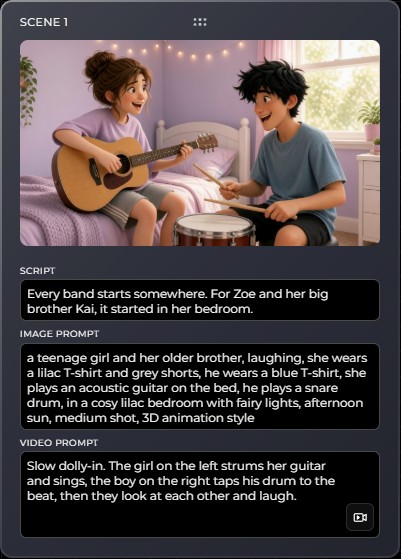
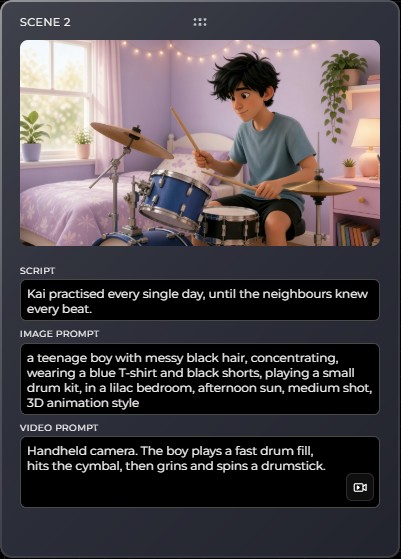
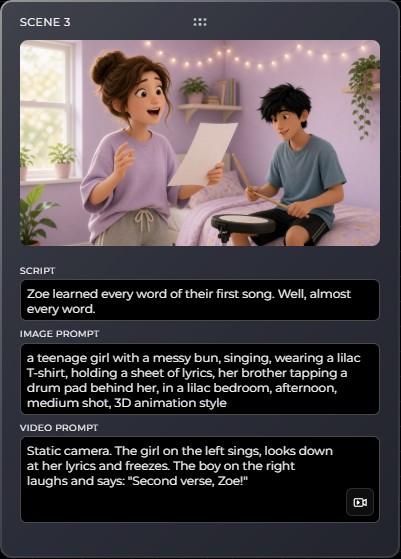
Line up every shot, then drag them around until the story flows. Each card keeps its script, image prompt and video prompt side by side.
Bring your images
to life.
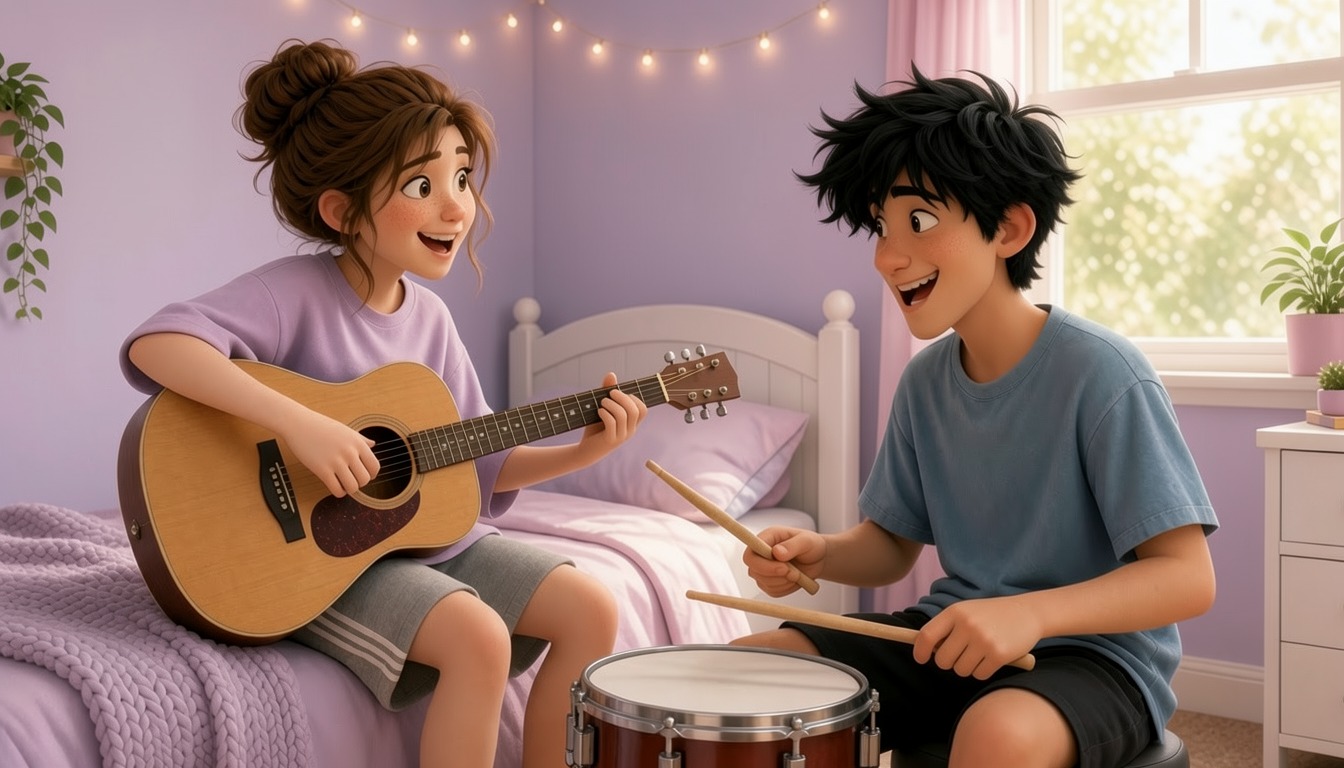
Describe the camera move and the acting, and a still frame becomes a moving shot.
Add voiceover
& sound effects.
Type a script for your narrator, or describe a sound like a guitar strum or a cheering crowd, and hear it in seconds.
Chop it into shape.
Drop in your clips and voiceover, trim the bits you don't need, add titles and subtitles, then export in the format you like.
Use them together
or one by one.
Each tool works on its own, or hands your work straight to the next one.

Brain
Chat through ideas, scripts and prompts. Attach a PDF, Word file or photo.
Open Brain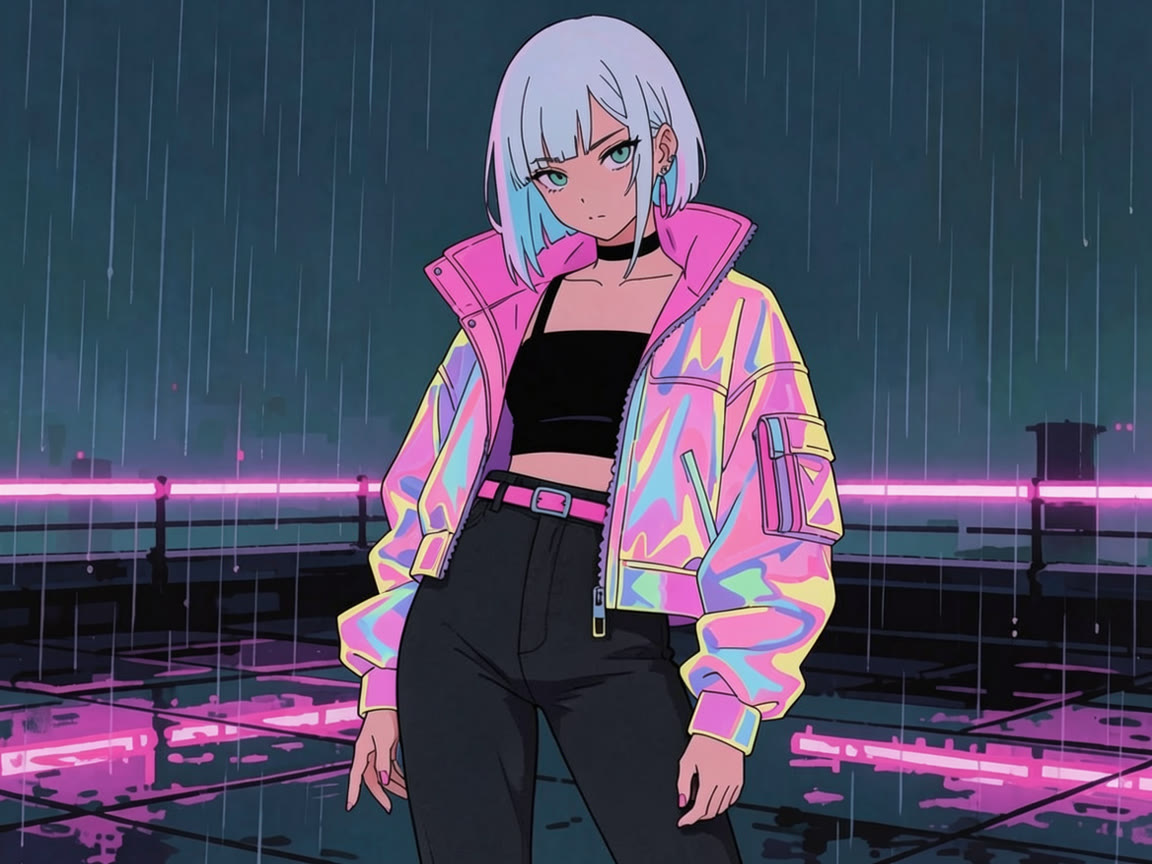
Image
Type it, pick from 30 styles and get it in HD, FHD or 4K.
Open Image



Image Edit
Describe the change. Swap clothes, backgrounds or lighting in seconds.
Open Image EditStoryboard
Plan every scene, then turn each one into a short clip with sound.
Open Storyboard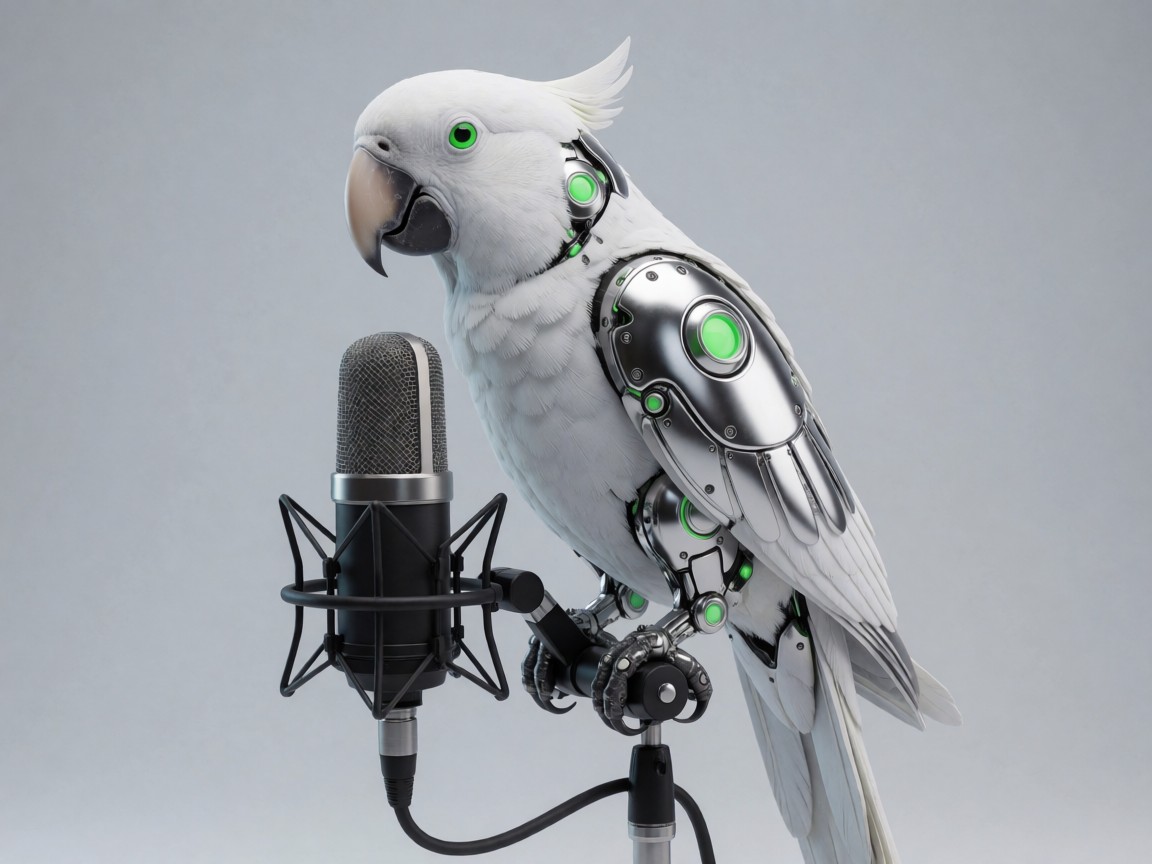
Voice
Turn a script into a natural voiceover. Pick a voice and set the speed.
Open Voice
Sound effects
Type "footsteps on wet gravel" and get the sound. No library searching.
Open SoundChop
A video editor in your browser. Timeline, animated text and subtitles.
Open ChopPrompts
Save, sort and reuse every prompt you love.
Open Prompts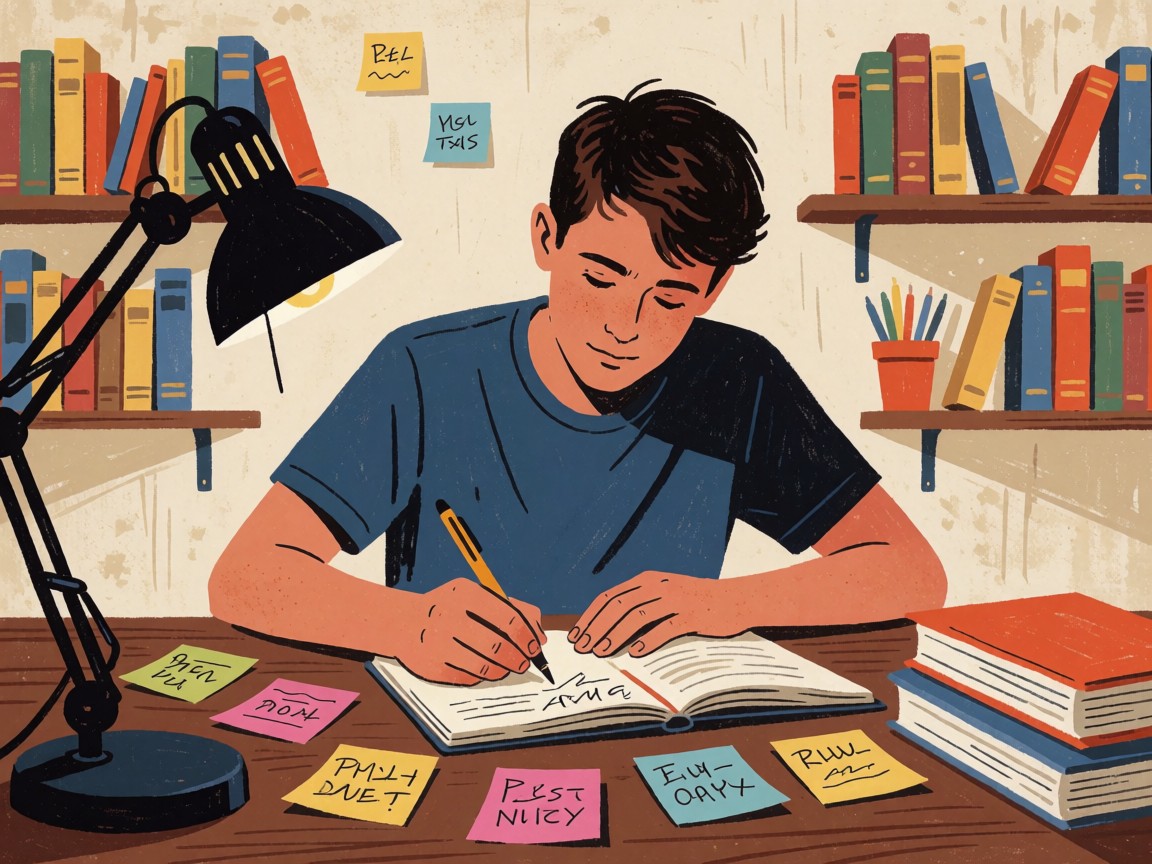
Notes
Sticky notes for ideas and to-do lists, saved to your account.
Open NotesMade by
MTBrain.
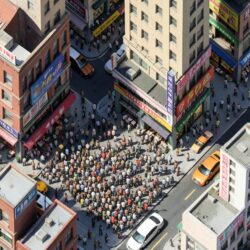
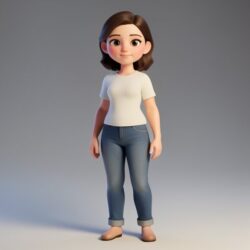
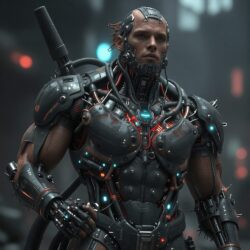
Here’s what our community made.











































































AI Standard Plan
(Free 1 year for Mind Theory Students)

AI Pro Plan
FAQ
What's the difference between Standard and Pro?
Both include the Prompt Manager, AI Brain, Image Gen & Edit, Storyboard Canvas, Voiceovers & SFX and Chop. Pro gives you more image and voice credits, plus Video Generation, unlimited Chop and Kommento.
How do credits work?
Each tool has daily, monthly and sometimes yearly credits. Daily credits refill every night at midnight, monthly credits on the 1st. Your yearly allowance refills on the anniversary of the day you first used the tool. Unused credits don’t carry over.
Do failed videos use up my credits?
No. Only videos that finish successfully are counted.
Is paying yearly cheaper?
Yes. Standard is $350 a year instead of $420, and Pro is $750 a year instead of $960.
How do I pay?
By credit card, through Stripe’s secure checkout. We never see or store your card details.
Can I cancel anytime?
Yes. Go to My Account and click Manage billing. You keep access until the end of the period you’ve paid for.
I forgot my password.
On the login page, click Lost your password? and we’ll email you a reset link.
What do teams get with MTBrain?
One shared workspace for your whole team: the Prompt Manager, AI Brain, image generation and editing, Storyboard, voiceovers, Chop and Kommento. Everyone works from the same approved prompts and styles, so your visuals stay consistent.
Do you supply the hardware?
Yes. We design locally hosted, business-grade private AI systems for you to buy and own, from high-end workstations to multi-GPU servers with NVIDIA Blackwell or AMD RDNA4 class accelerators. We install and configure MTBrain so it runs fully on your own infrastructure, not through cloud services that log your data. Your team can generate unlimited images, videos, AI voiceovers and 3D models, with no usage caps or subscription tiers.
What hardware does it run on?
We spec the hardware to your requirements: your team size, the work you produce and how fast you need it. A typical setup uses professional NVIDIA RTX GPUs.
Can it run on hardware we already have?
No. We supply the hardware ourselves, already set up and tested, so everything runs reliably from day one.
Does our data leave our company?
No. Everything runs on hardware you own, inside your company. Your prompts, uploads and generated work stay with you, which keeps your data private and PDPA-friendly.
How many people can use it?
As many as you like. There are no per-seat fees, so adding your whole team does not change the cost.
How is it priced?
It depends on your team size and the hardware you need. It is a one-time hardware purchase, with no recurring cloud subscriptions. Send us a message and we will put together a proposal.
Do you train our team?
Yes. We set everything up and run hands-on training so your team can start producing work straight away.